
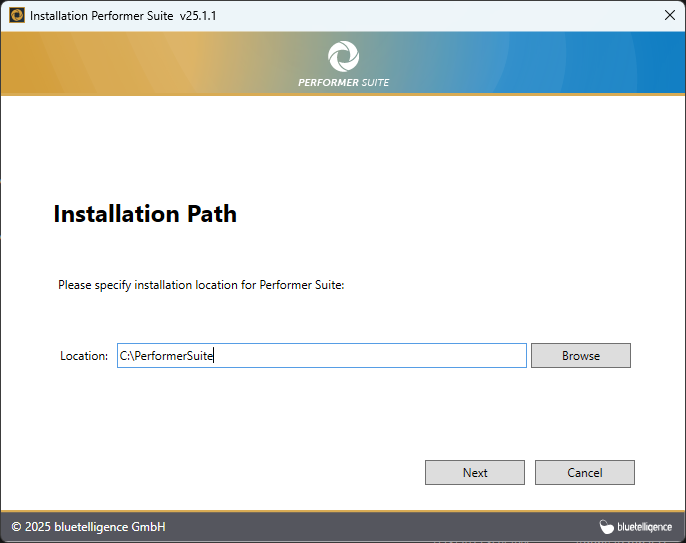
After downloading the setup file, start the installation by running it. Select a destination folder by clicking Browse.
By default, the setup suggests C:\Performer Suite, but you can change this to any directory you prefer. Click Next to continue.
Then, choose the features you want to install.
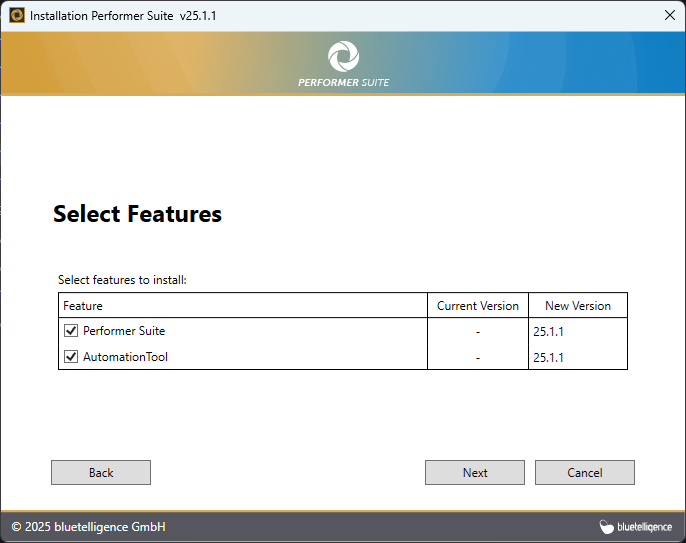
The Automated Synchronization enables daily background synchronization of SAP objects via a Windows task.
It should only be installed when using a central database—not for SQLite databases.
To install the AutomationTool, run the setup file on the server where the database is hosted.
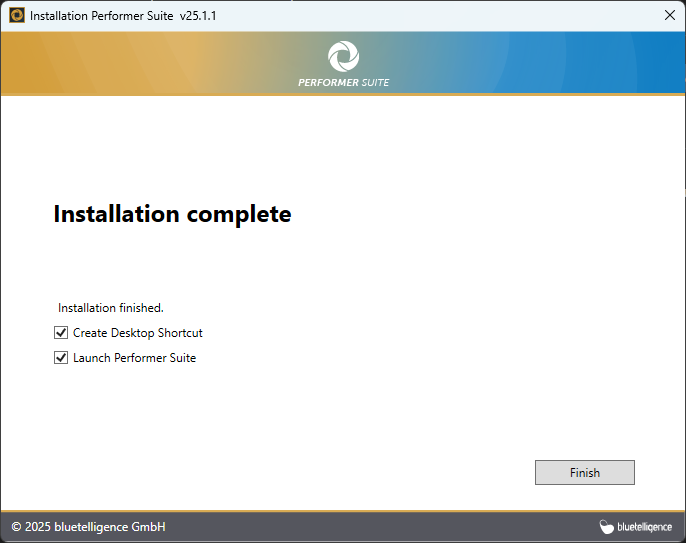
You can choose to create a desktop shortcut and decide whether to launch the Performer Suite immediately.
Click Finish to complete the installation.
The next step is to perform the Configuration Process.