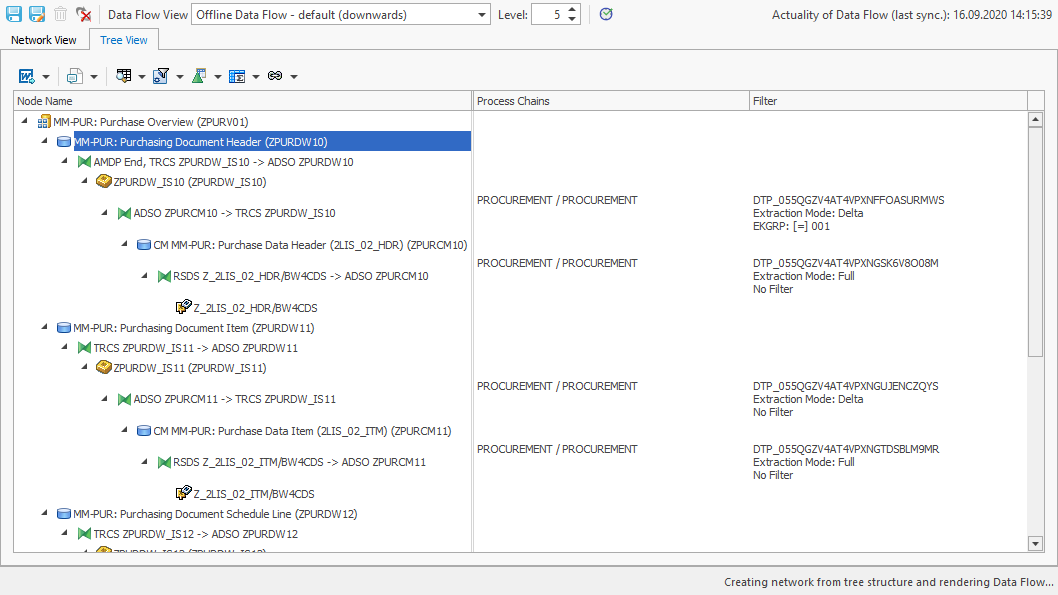
The function "Show DTPs and InfoPackages incl. Filters" can be started directly in the Tree View or Network view of a Data Flow.
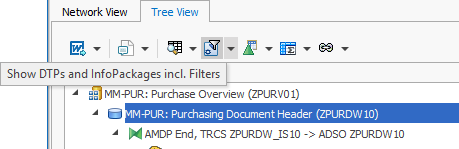
After the start a popup "Options for Filter analysis" appears with the following options:
-
Show only DTPs and InfoPackages that are used in Process Chains
-
Mark Transformations/DataSources not loaded via Process Chains
-
-
Show all DTPs and InfoPackages
-
Show batch parameter of DTPs (No. of parallel processes + job classes)
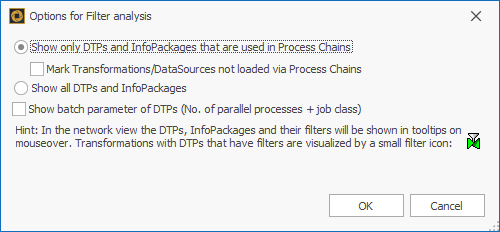
The result shows the corresponding Process Chains.