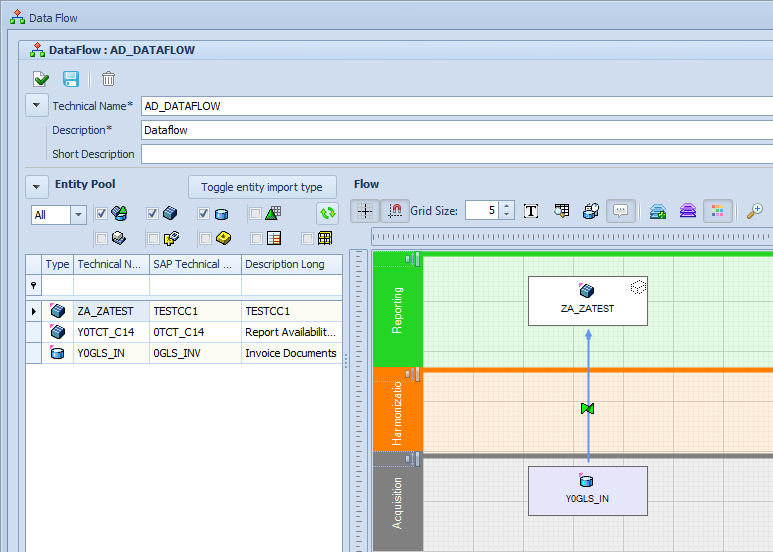
The “Entity Pool” provides a choice of Objects which can be moved to the left via drag-and-drop.
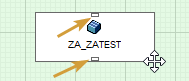
Objects can be connected by dragging the little rectangles to another object (only visible with mouse-over).
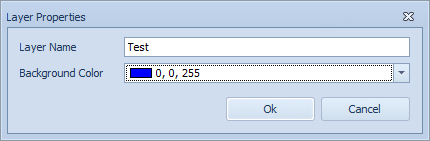
If required, new Layers can be added to the Data Flow with the help of the “Add Layer” button. Via right click Layers can be deleted, renamed or re-colored. The position of a Layer can be moved above or below another Layer using the cursor.
The Data Flow window offers a Grid function that can easily be turned on and off. Further settings can be made regarding the size and the behavior of Objects within the gridlines.