
This function provides an overview of all tables and persistent views across all spaces in your Datasphere tenant, including their size and number of records.
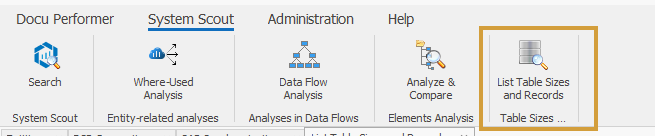
You can find the function here:
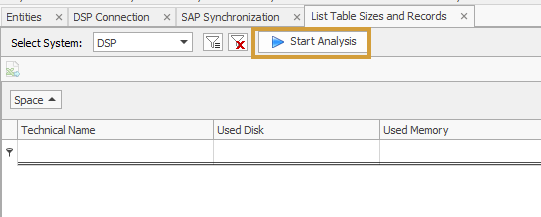
To analyze all spaces, simply click “Start Analysis”.
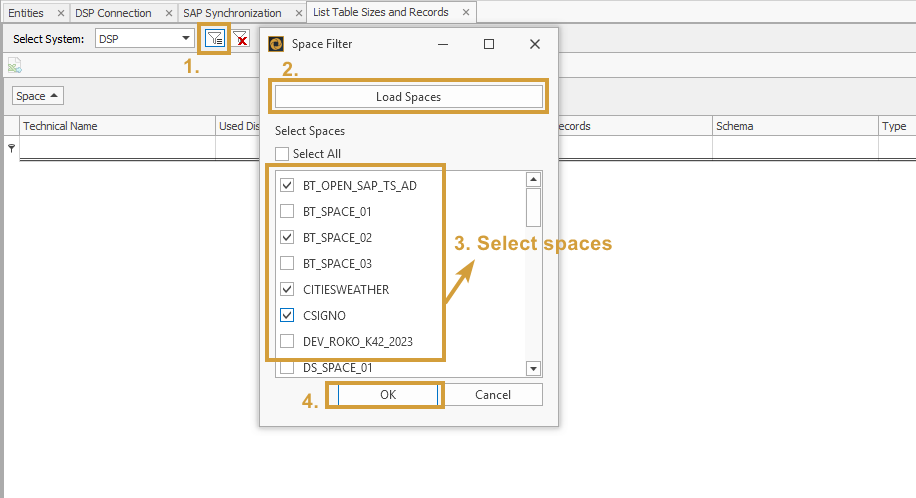
If you want to analyze specific spaces only, click on the filter icon beforehand.
There, you can load all available spaces in real time and define which ones should be included in the analysis.
The results are displayed in a grid with the following metrics:
-
Used Disk
-
Used Memory
-
Number of Records
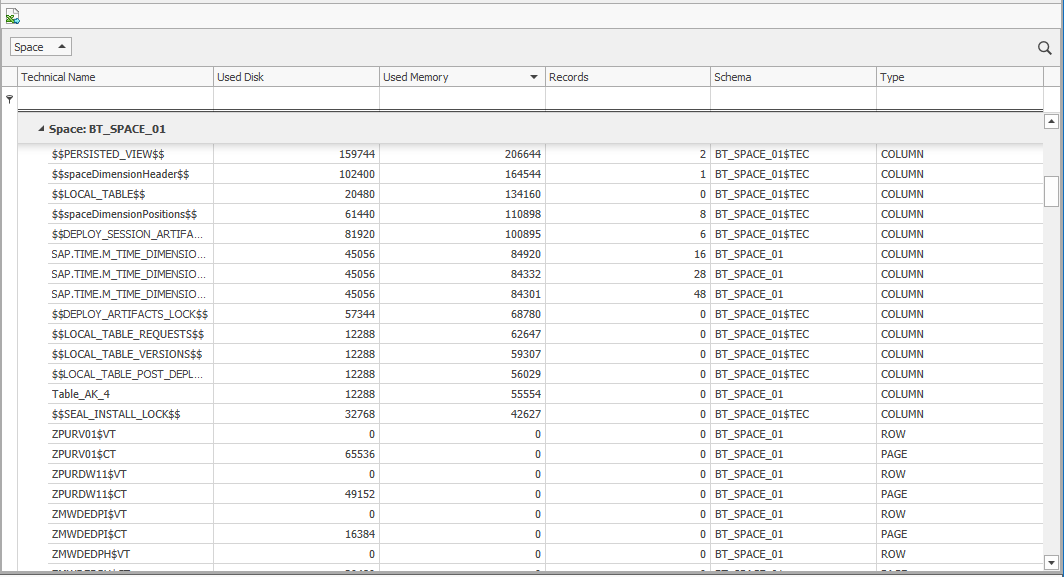
An Excel export is also supported.
This function helps you quickly identify storage usage and data volume across your Datasphere tenant, enabling better transparency and control.