
The "Show Properties" function can only be performed for the components of a Lumira report.
The function can be found in the context menu of a Lumira component in the Analyze/Compare functionality. If you execute it, all settings of the respective component are displayed.
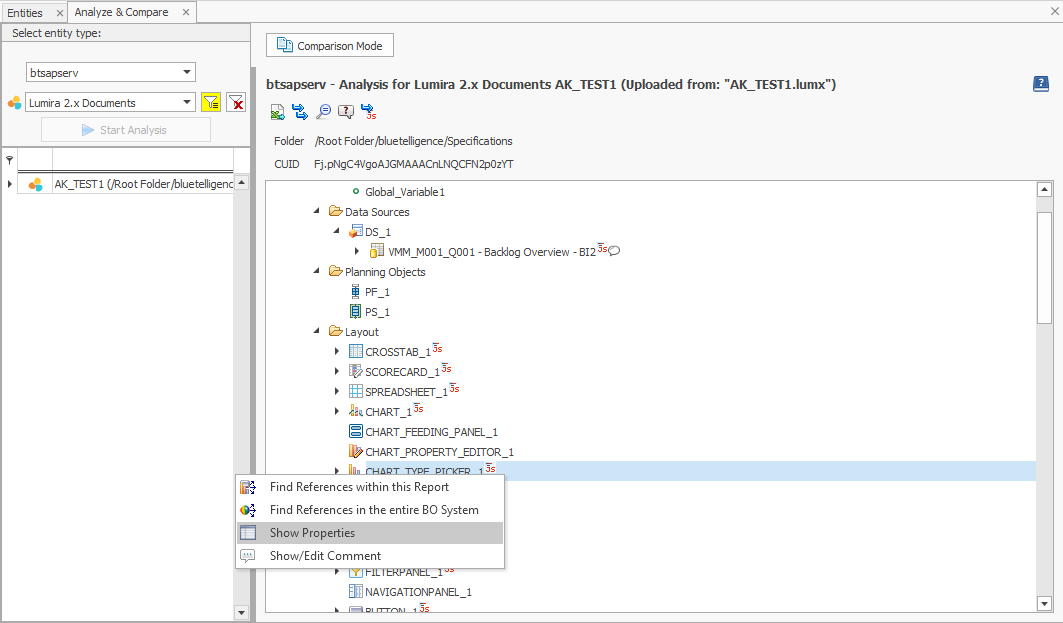
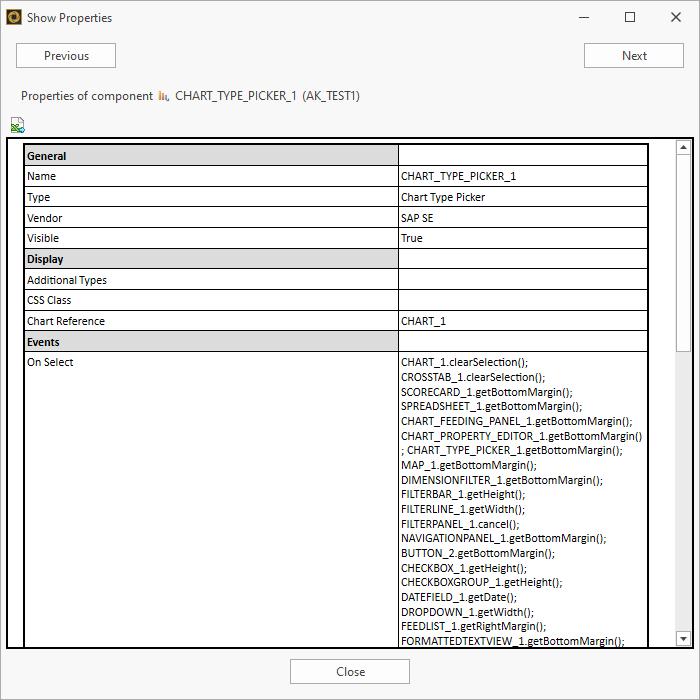
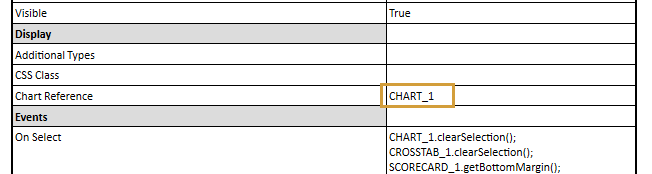
In the example above, we can find with one click which chart was used in the chart type picker component:
With the buttons "Previous" and "Next" the previous or next component of the Lumira report can be selected:

The displayed properties can be exported and documented as an Excel file via the "Excel Export"-button.