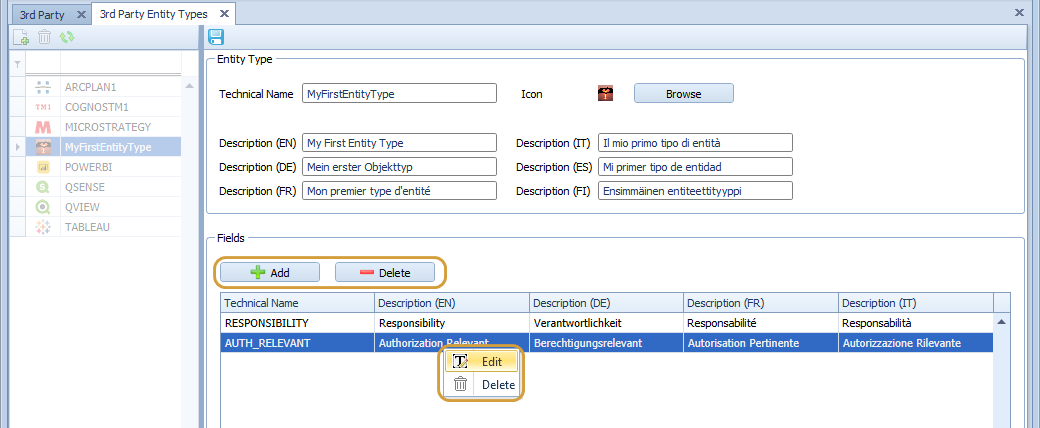
3rd Party Object Types can be edited:
-
Select the 3rd Party Entity Type on the left side
-
Press the "Edit" button on the right side to switch to edit mode
-
Press the "Save" button on the right side to save and switch back to view mode
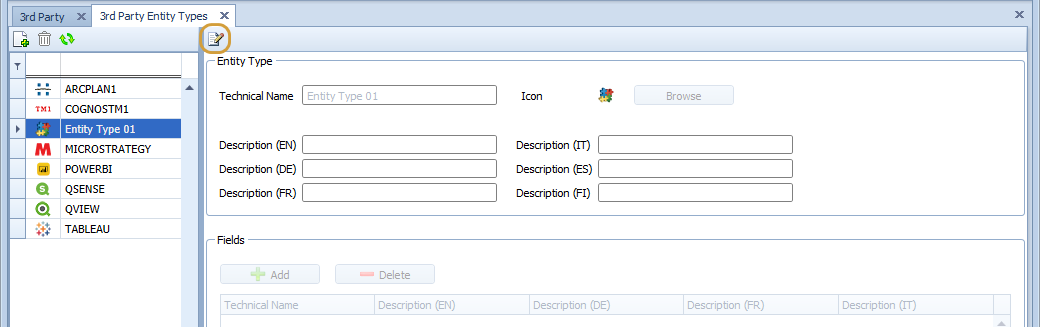
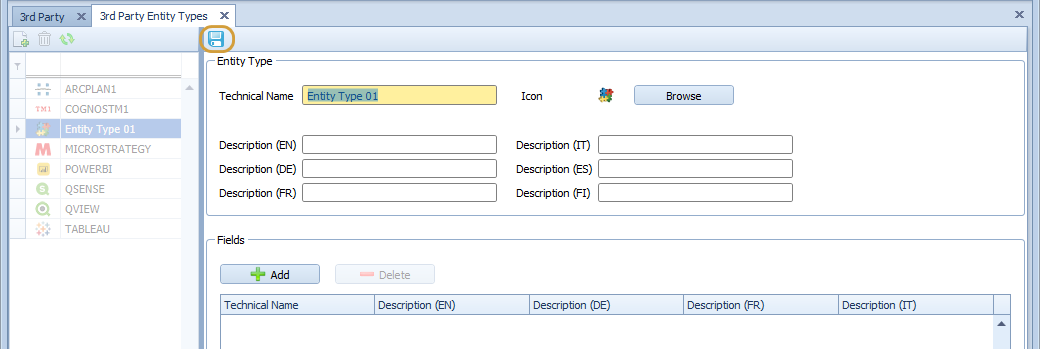
Edit Mode
General Fields
In Edit Mode, you can set general fields.
-
Technical Name: This is the technical identifier for the 3rd Party Entity Type (you can also see it in the left grid)
-
Descriptions: The Descriptions can be saved in English, German, French, Italian, Spanish and Finnish; they are used in the documentation of the 3rd Party Entities
-
Icon: You can select an image which can be used as an icon for the 3rd Party Entity Type
Custom Fields
In addition to the general fields, you can add 0 to n custom fields to a 3rd Party Entity Type.
Every field has its own Technical Name and Descriptions in English, German, French and Italian.
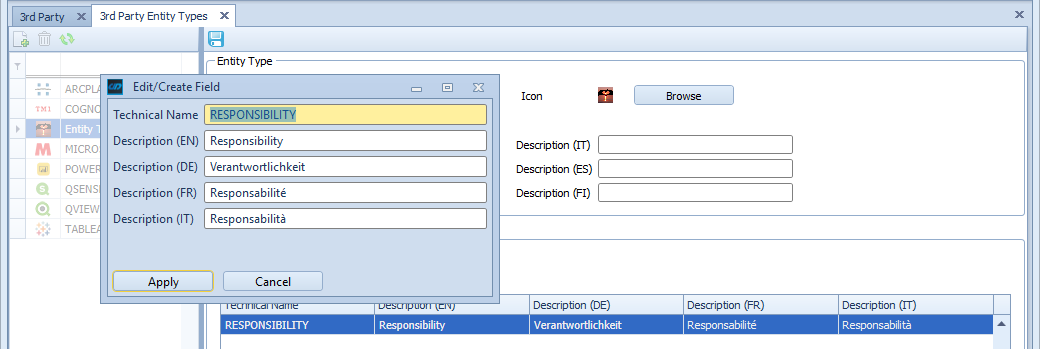
For adding, deleting and editing you can find 2 buttons and entries in the context menu (see below).